Computer Service in Kannur

Cropped 1 121x121

ZAYAN COMPUTERS

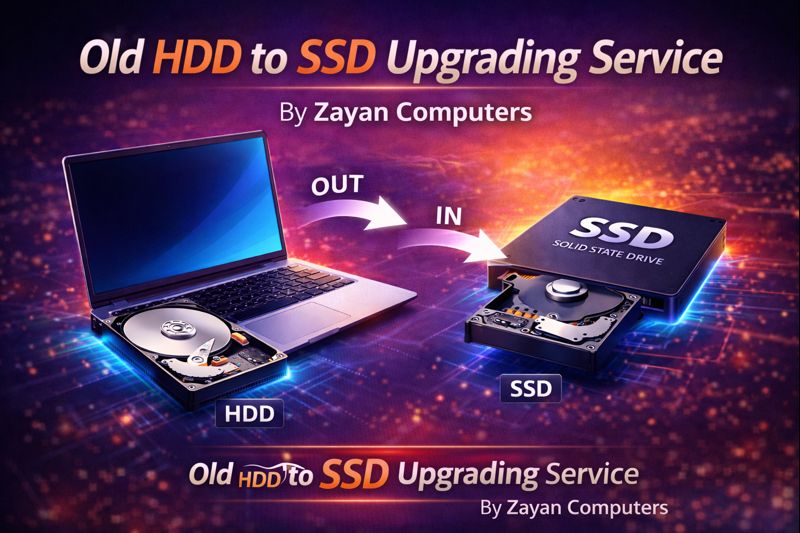
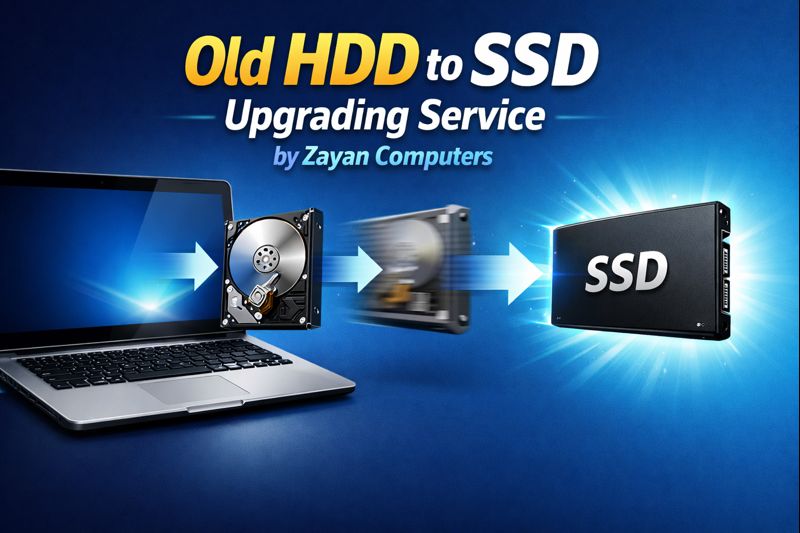
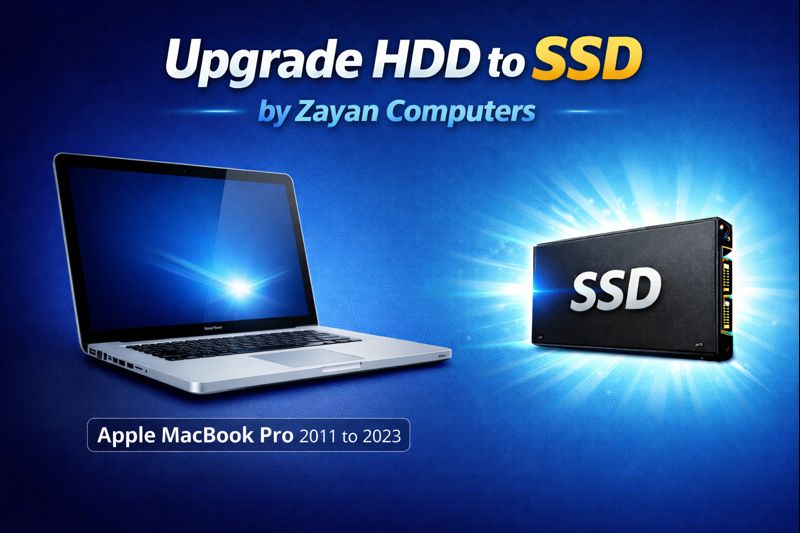
NEXT GEN- HDD TO SSD UPGRADING IN

KANNUR

ChatGPT Image Jan 15 2026 11 03 39 PM

Experience the future of computing today.

Advantages of Solid State Drive (SSD)

ChatGPT Image Jan 15 2026 11 13 13 PM
  • Significantly Faster Performance – SSDs deliver much quicker boot times, faster loading

  • Improved Reliability and Durability – With no moving parts, SSDs are more resistant to shock.

  • Lower Power Consumption – SSDs use less electricity, which helps extend battery life.

  • Silent Operation – Unlike HDDs, SSDs operate with no noise.

  • Better Multitasking Performance – Faster read/write speeds allow smoother multitasking.

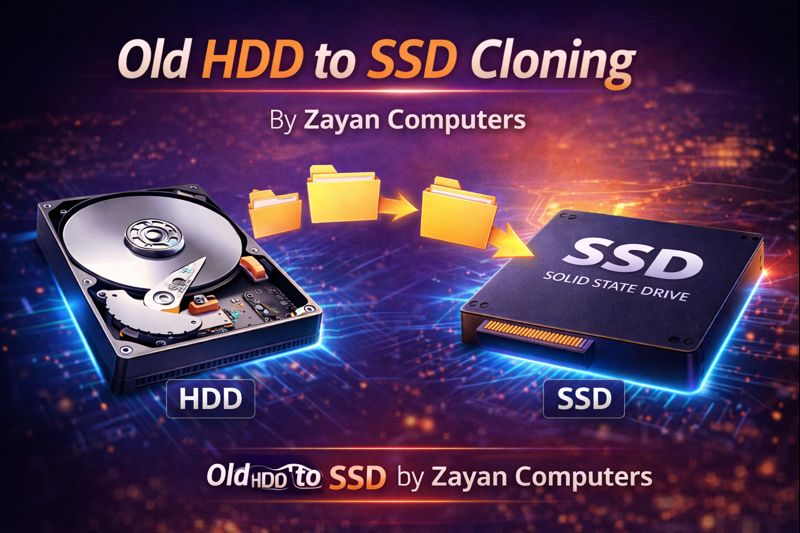
Advantages of HDD to SSD Cloning

ChatGPT Image Jan 15 2026 10 45 11 PM
  • No Data Loss – All files, software, and settings are copied exactly as-is.
  • Instant Upgrade – Move to SSD without reinstalling the operating system or applications.
  • Time-Saving Process – Faster than manual backup and fresh OS installation.
  • System Ready Immediately – PC boots normally after cloning with no configuration required.
  • Preserves User Settings – Desktop layout, programs, and preferences remain unchanged.
  • Reduced Downtime – Ideal for business and personal users who need quick turnaround

We Can Upgrade Below Computers

ALL BRANDED LAPTOP

ChatGPT Image Jan 16 2026 12 41 00 AM

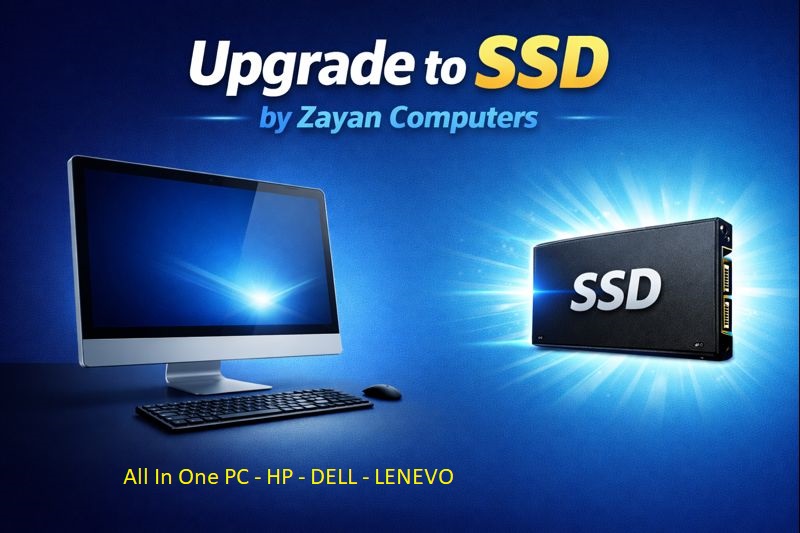
ALL BRANDED ALL IN ONE PC

ChatGPT Image Jan 16 2026 12 57 59 AM

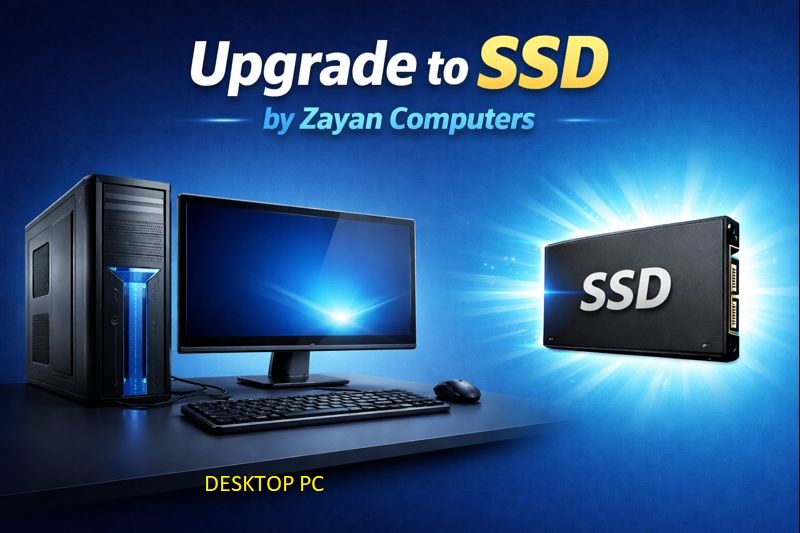
ALL BRANDED DESKTOP PC

ChatGPT Image Jan 16 2026 12 42 23 AM

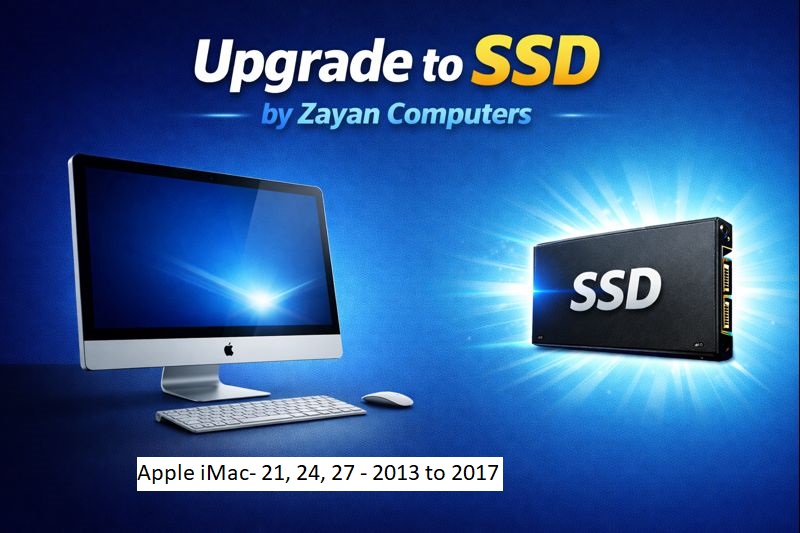
APPLE iMAC - SIZE: 21, 24 & 27 - YEAR: 2013 TO 2027

ChatGPT Image Jan 16 2026 12 57 54 AM

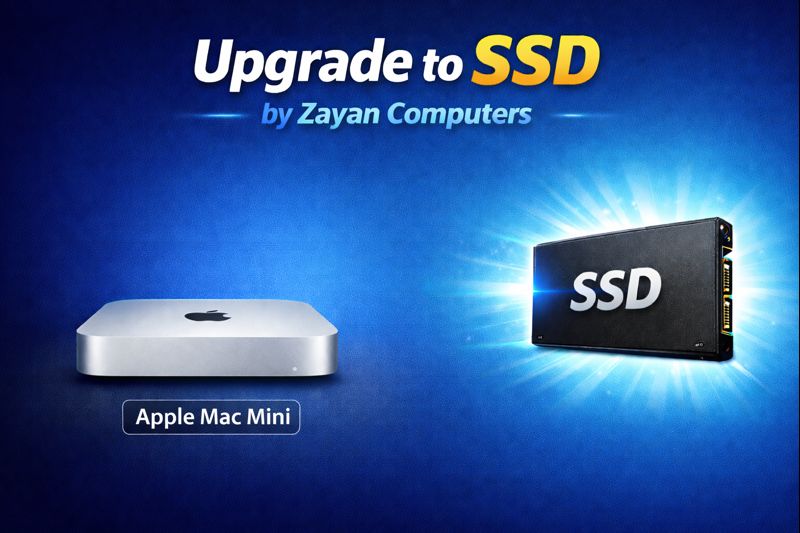
APPLE MAC MINI

ChatGPT Image Jan 16 2026 12 57 40 AM

APPLE MACBOOK PRO 2008 TO 2013

ChatGPT Image Jan 16 2026 12 57 33 AM

HDD to SSD Upgrading @ Your Home

EXPRESS SERVICE

We can do HDD to SSD Upgrading within 2 hours, if you Bring our Center or Home Service

PICKUP AND DELIVERY

We have pick-up and delivery
for All Branded Windows & Apple Computer for Upgrading

SERVICE @ YOUR HOME

We can do HDD to SSD Upgrading At Your Home or Office, We bring SSD

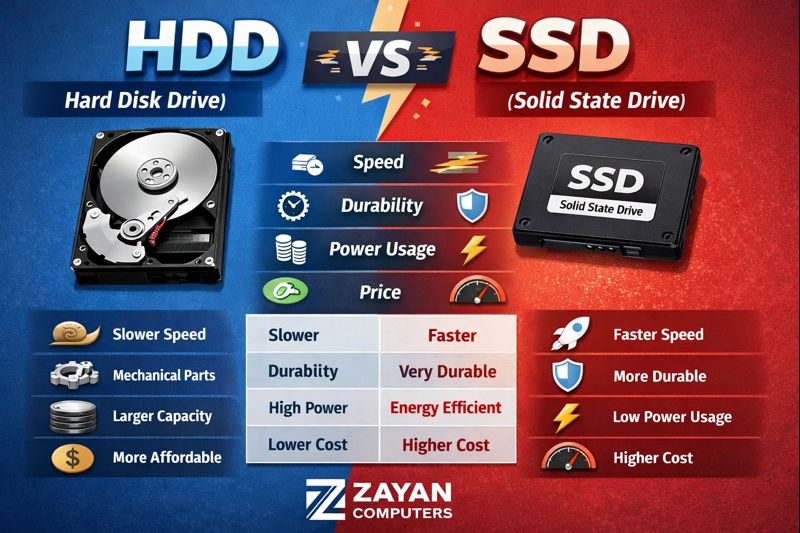
HDD vs SSD Comparison

ChatGPT Image Jan 22 2026 12 39 11 PM

Frequently Asked Question

What is an SSD (Solid State Drive)?

An SSD is a modern storage device that uses flash memory to store data, offering much faster speed, better reliability, and lower power consumption compared to traditional hard drives.

What is an HDD (Hard Disk Drive)?

An HDD is a traditional storage device that uses spinning disks and mechanical parts to read and write data. It is slower but generally cheaper and available in larger capacities.

What is the difference between HDD and SSD?

SSDs are significantly faster, quieter, more durable, and energy-efficient than HDDs, while HDDs are slower but usually more affordable for large storage needs.

Is SSD better than HDD for daily use?

Yes, SSDs are ideal for daily use as they provide faster boot times, quicker application loading, smoother multitasking, and overall better system performance.

Will upgrading from HDD to SSD improve my computer speed?

Yes, upgrading from HDD to SSD is one of the most effective ways to boost computer speed, responsiveness, and reliability without changing the processor or RAM.

What are the different types of SSD?

The common types of SSD include SATA SSD, NVMe SSD, M.2 SSD, PCIe SSD, and external SSDs.

What is a SATA SSD?

SATA SSDs use the same interface as HDDs and are widely compatible with older laptops and desktops, offering much better speed than HDDs.

What is an NVMe SSD?

NVMe SSDs use the PCIe interface and provide extremely high speeds, making them ideal for modern systems, gaming, and professional workloads.

What is an M.2 SSD?

M.2 is a form factor that can support both SATA and NVMe SSDs. It is smaller in size and commonly used in laptops and modern desktops.

Which SSD type is best for my computer?

The best SSD depends on your system compatibility. Older systems usually support SATA SSD & M.2 SSDs, while newer systems support NVMe SSD only, Desktop System Can Add NVMe & Sata SSD also

What SSD storage capacities are available?

SSDs are commonly available in 128GB, 256GB, 500GB, 1TB, 2TB, 4TB and higher capacities.

Which SSD capacity should I choose?
  • 256GB: Basic use and OS installation

  • 500GB: Office work and general use

  • 1TB or more: Heavy usage, gaming, video editing, and large data storage

Is higher SSD capacity faster?

Speed is mainly determined by SSD type and technology, not capacity, though larger SSDs may offer slightly better performance in some cases. Actually Capacity allow you store more data like Videos & photos

Can I use SSD and HDD together?

Yes, many systems use an SSD for the operating system and applications, and an HDD for storing large files and backups. but we not recomended many HDD make slow Computers

How long does an SSD last?

Modern SSDs are highly durable and can last many years under normal usage, often longer than traditional HDDs due to no moving parts.


Scroll to Top